- Business Process Management (BPM)Document Management System (DMS)Electronic Quality Management System (QMS)Risk, Governance & Compliance (GRC)Low Code Rapid Application Development (LC)Business Continuity Management (BCM)Enterprise Architecture (EA)Business Process Management (BPM)
 Document Management System (DMS)
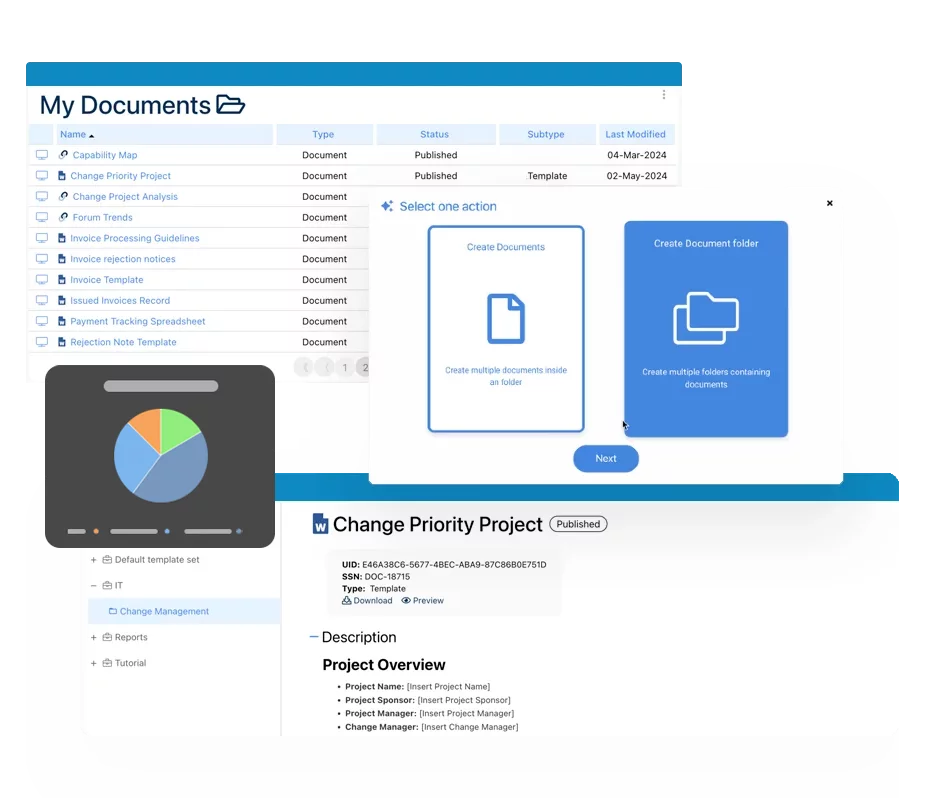 Electronic Quality Management System (QMS)
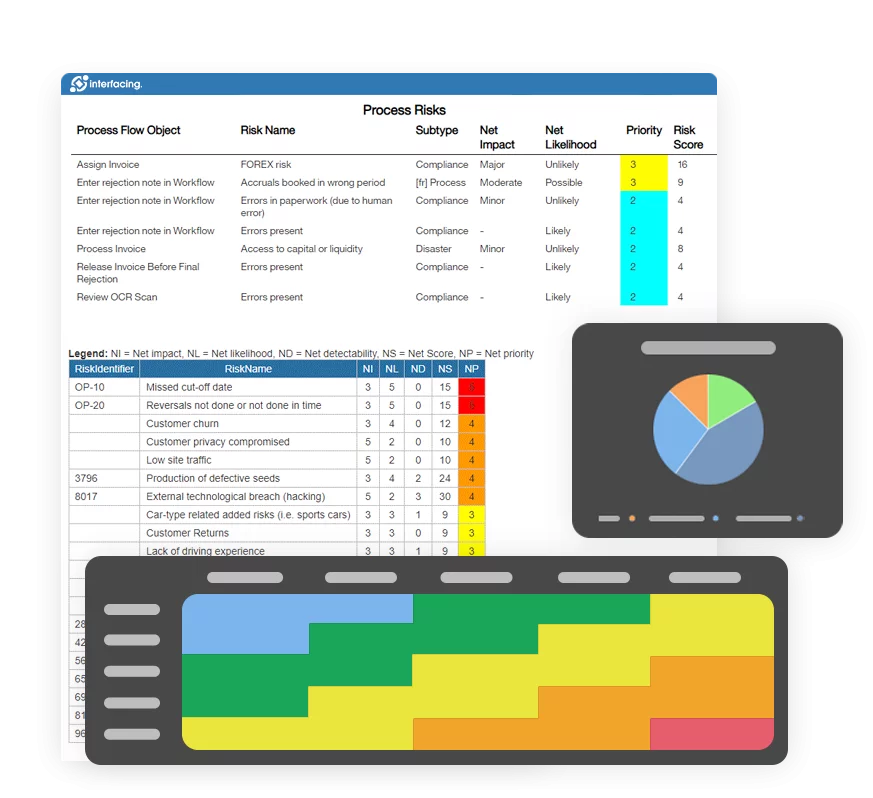
 Risk, Governance & Compliance (GRC)
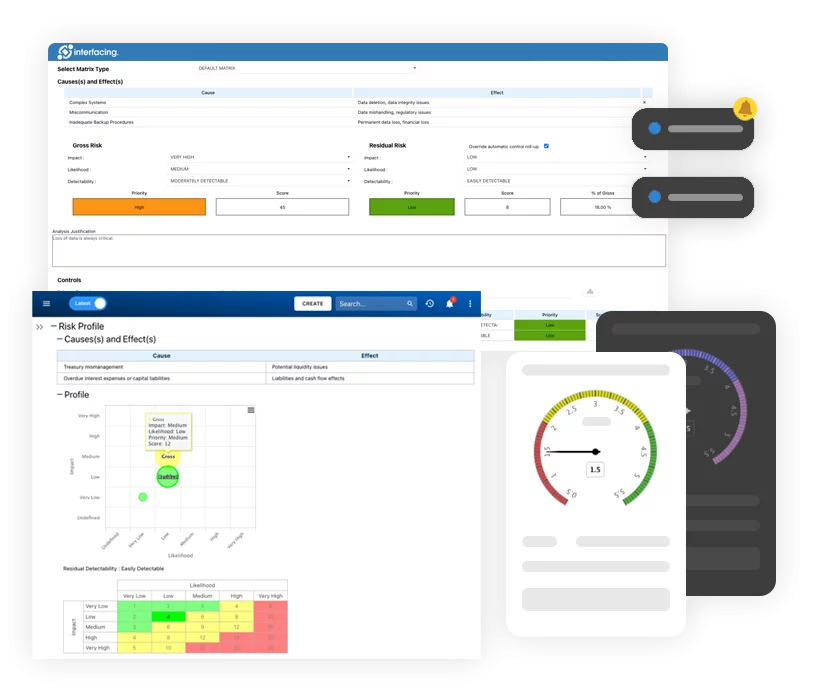 Low Code Rapid Application Development (LC)
 Business Continuity Management (BCM)
 Enterprise Architecture (EA)
- IndustriesRegulatory ComplianceUse CasesLearning CenterFramework & PracticesIndustriesRegulatory Compliance
 Use CasesLearning CenterFramework & Practices
 - AboutCustomer SuccessPartnersAbout
 Customer SuccessPartners





Modeling & Documentation
Please Select contact form.
Discover how Interfacing can help you make your business better with process model and process documentation.


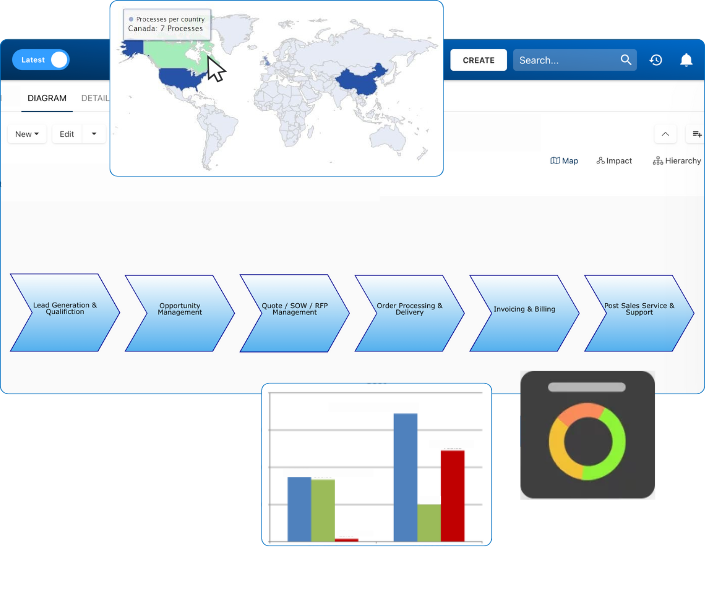
Centralized Reusable Repository

Standardized Modeling & Beyond

Intuitive & Simplified Mapping

High Quality Process Map Printing

Comprehensive Documentation

User-Friendly Access & Navigation

Detailed Outputs & Reports
Centralized Reusable Repository


Standardized Modeling & Beyond

Intuitive & Simplified Mapping

High Quality Process Map Printing

Comprehensive Documentation

Access & Navigation

Document Generation, Reports & Exports


Documentation: Driving Transformation, Governance and Control
• Gain real-time, comprehensive insights into your operations.
• Improve governance, efficiency, and compliance.
• Ensure seamless alignment with regulatory standards.

eQMS: Automating Quality & Compliance Workflows & Reporting
• Simplify quality management with automated workflows and monitoring.
• Streamline CAPA, supplier audits, training and related workflows.
• Turn documentation into actionable insights for Quality 4.0

Low-Code Rapid Application Development: Accelerating Digital Transformation
• Build custom, scalable applications swiftly
• Reducing development time and cost
• Adapt faster and stay agile in the face of
evolving customer and business needs.
AI to Transform your Business!
The AI-powered tools are designed to streamline operations, enhance compliance, and drive sustainable growth. Check out how AI can:
• Respond to employee inquiries
• Transform videos into processes
• Assess regulatory impact & process improvements
• Generate forms, processes, risks, regulations, KPIs & more
• Parse regulatory standards into requirements