- Gestion des processus d'entreprise (BPM)Système de gestion des documents (SGD)Système électronique de gestion de la qualité (QMS)Risque, gouvernance et conformité (GRC)Développement rapide d'applications à faible code (LC)Gestion de la continuité des activités (BCM)Architecture d'entreprise (EA)Gestion des processus d'entreprise (BPM)
 Système de gestion des documents (SGD)
 Système électronique de gestion de la qualité (QMS)
 Risque, gouvernance et conformité (GRC)
 Développement rapide d'applications à faible code (LC)
 Gestion de la continuité des activités (BCM)
 Architecture d'entreprise (EA)







EPC 15.3
Please Select contact form.
AI Powered, Data & Process driven Quality, Compliance & Continuous Improvement Automation solutions!
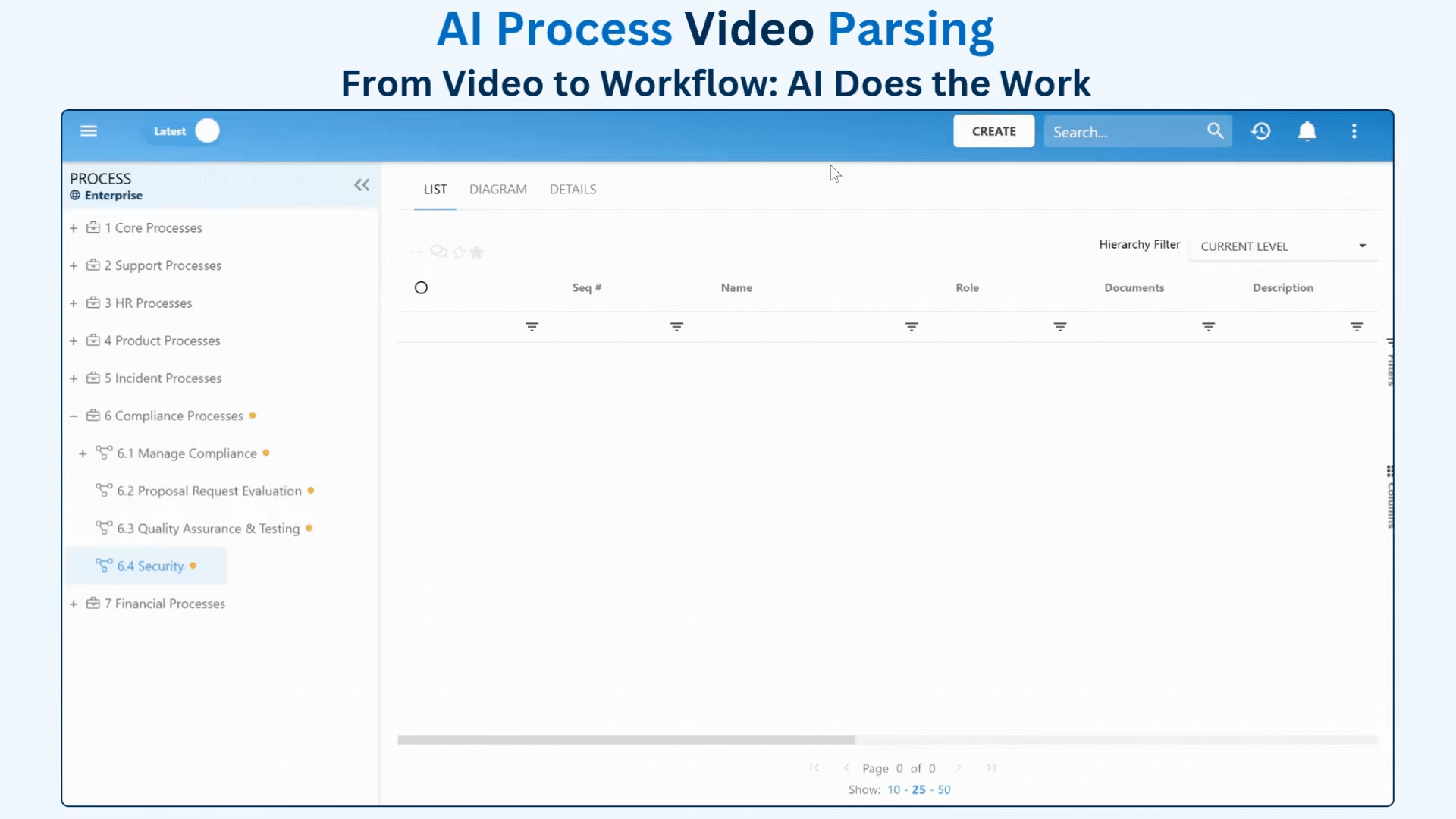


AI Process Video Parsing
From Video to Workflow: AI Does the Work
Now, users can effortlessly convert videos into structured EPC processes. No manual transcription. No external tools. No hassle.
Whether it’s a recorded training session, a demo, or a walkthrough, simply upload your video and let the AI do the work.
This game-changing enhancement dramatically reduces the time it takes to capture and document processes, giving teams a faster and smarter way to transform know-how into tangible, actionable workflows.

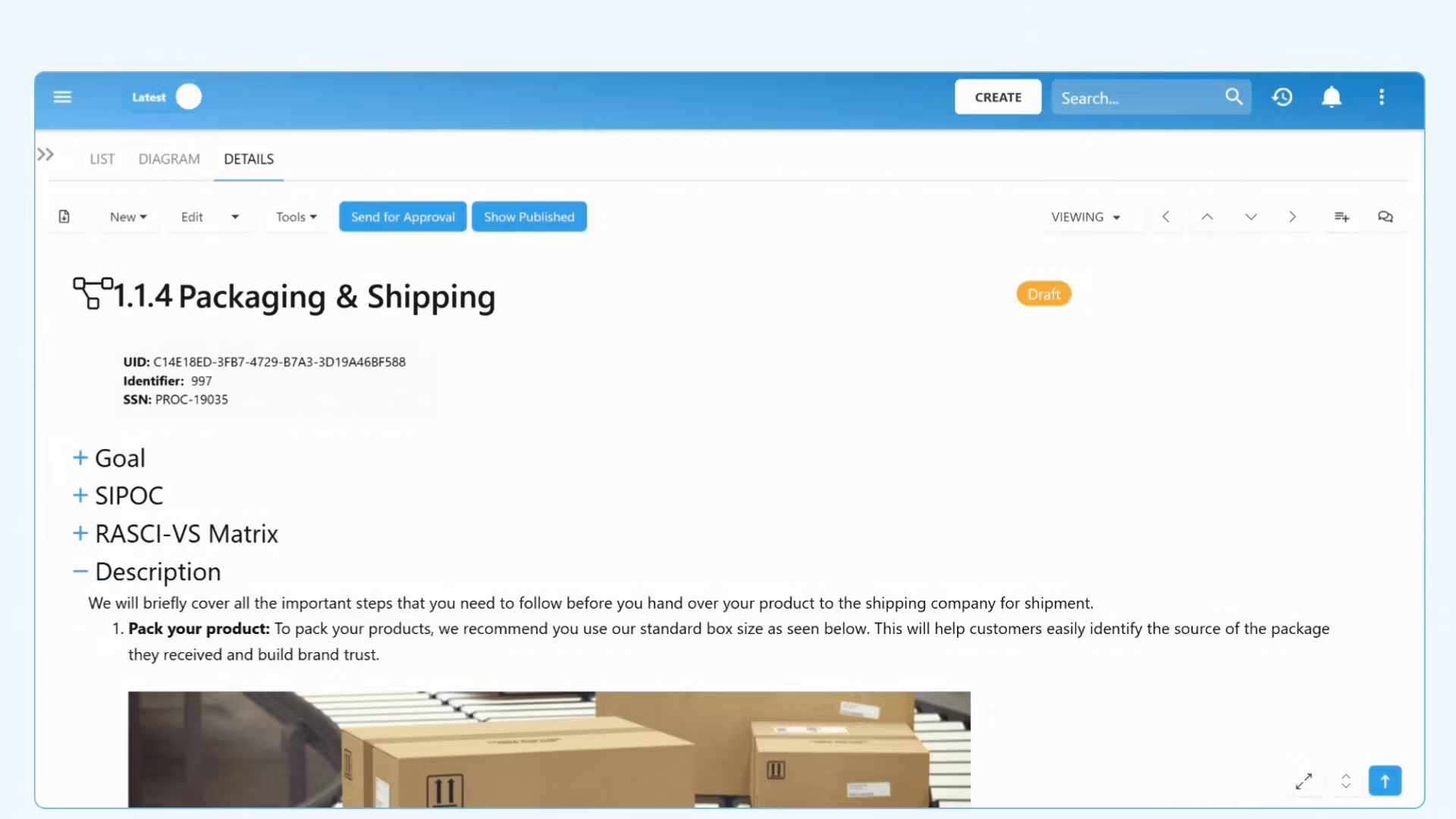
Inline Edit & Commenting for Collaboration — All in One View
We’ve made it easier than ever for teams to collaborate and make changes with inline commenting and object editing. Now, you can:
- Give real-time specific feedback by adding comments directly to the rich text. Available for all end-users to collaborate within published-only mode as well!
- Make quick edits to object details without having to pop-open the edit window.
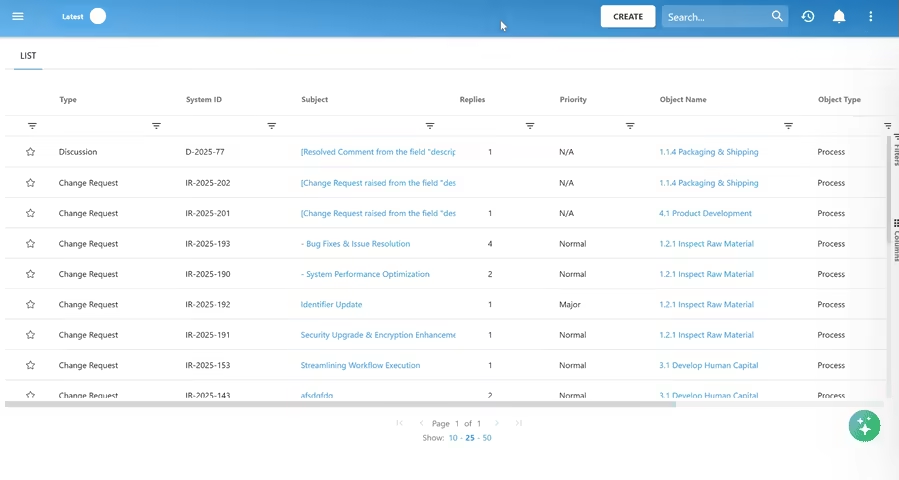
- Turn discussions into action by raising Change Requests from comment threads directly.
Choose the Mode That Fits Your Workflow
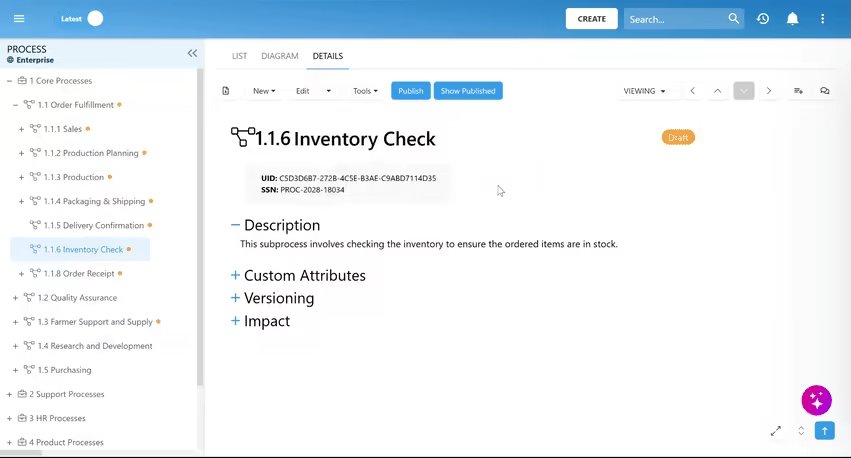
Switch between three flexible modes in the Details view:
- Viewing: A distraction-free way to browse content.
- Reviewing: Leave comments, engage in discussions, and raise Change Requests.
- Editing:Update content quickly and efficiently with direct, in-line edits.
Comments are also available in the edit form window, providing ease for authors to view and implement existing feedback while updating the content of an object.
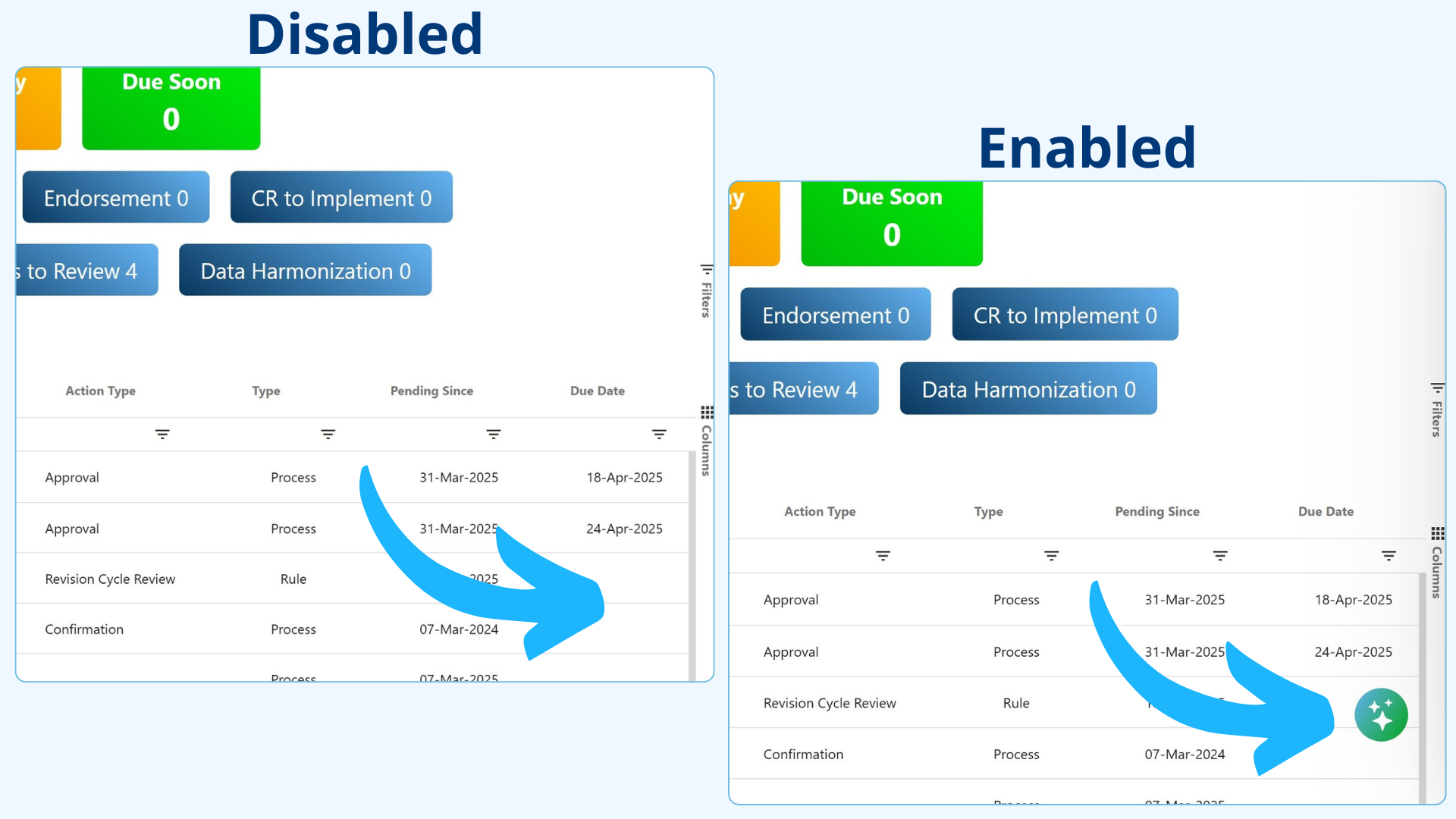
Task Delegation: Ensure Progress, Even When You're Away
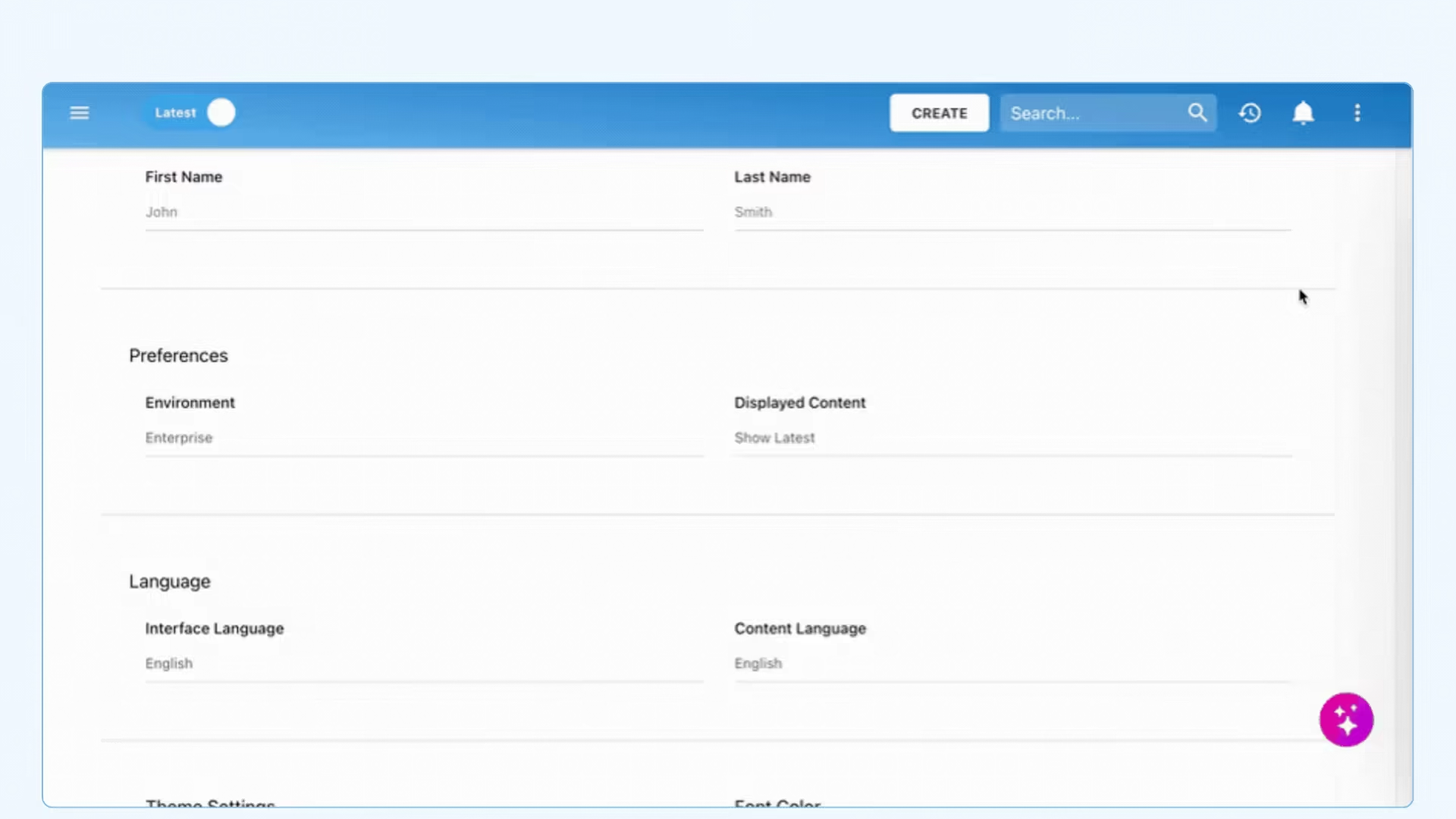
With the new Task Delegation feature, you can assign your approval and endorsement tasks to a colleague, ensuring projects stay on track and deadlines are met. No more bottlenecks, no more delays.
Seamless delegation keeps work moving effortlessly
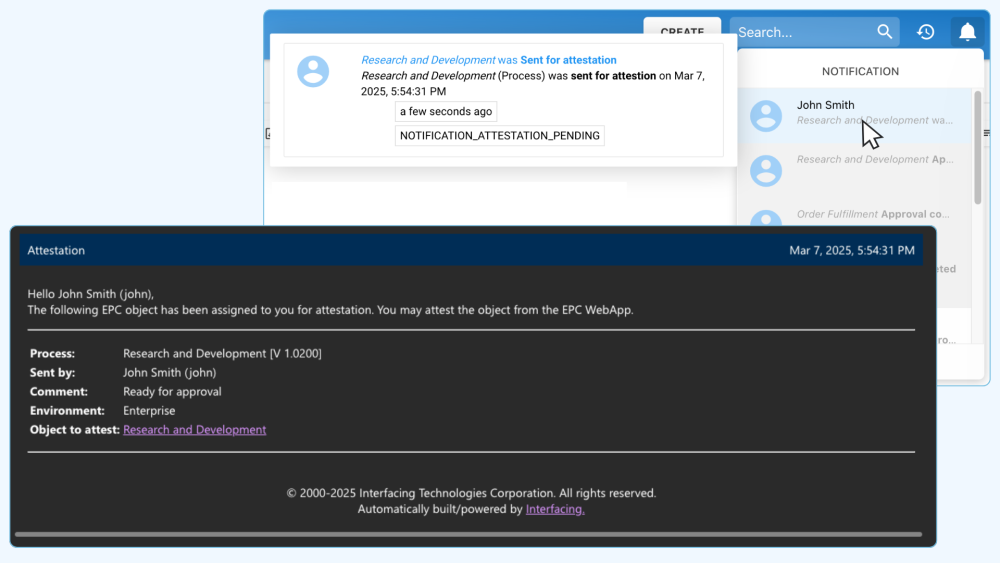
Any tasks created while you're away are automatically routed to your delegate, ensuring nothing falls through the cracks. You still have the flexibility to complete them yourself if needed. With instant notifications and direct access from their Home Page, your delegate can stay on top of tasks and keep momentum going.
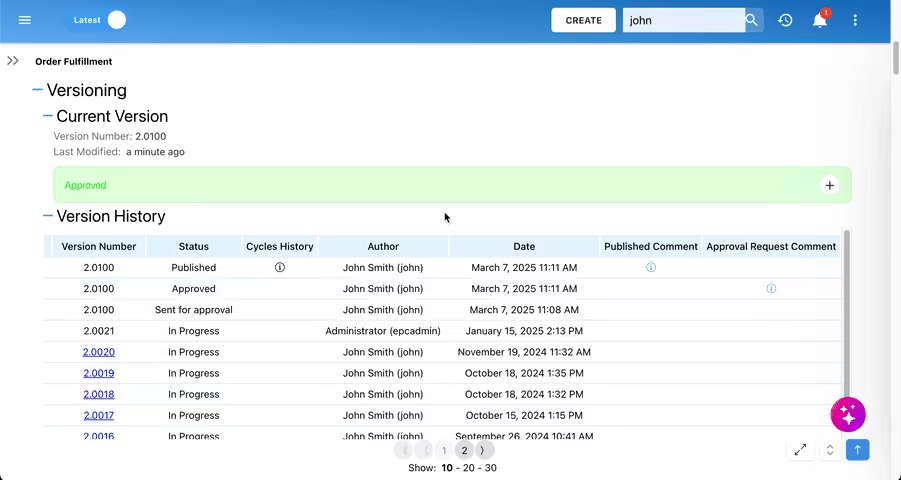
Plus, the audit log gives full visibility, clearly showing who delegated each task and who completed it.
Polished Approvals with Customizable Signature Placement
Organizations can now customize the placement of approvers' e-signatures in approval documents, ensuring compliance with internal standards and formatting preferences. This new feature gives you complete control over signature placement, allowing for different configurations across various document templates.
You can use reserved signature sections, such as the last page or immediately after a specific heading, or inject signatures directly into defined text boxes anywhere on the page. Text box injection is especially useful for approving forms or contracts directly within the tool!
Enhance document structure and readability while delivering polished, professional results. With greater customization options, your approval documents will always meet your organization's unique needs.

Instant File Translation, Built Right In
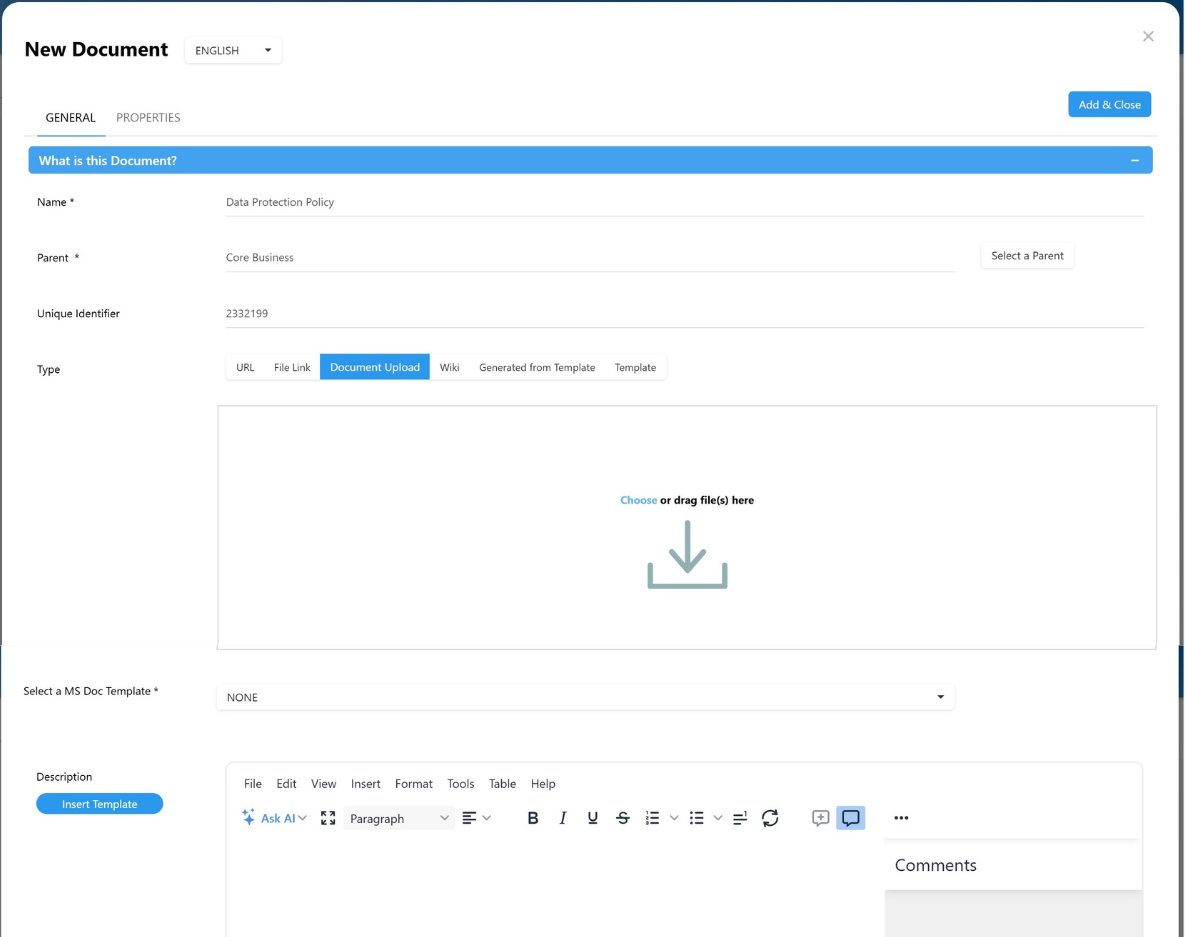
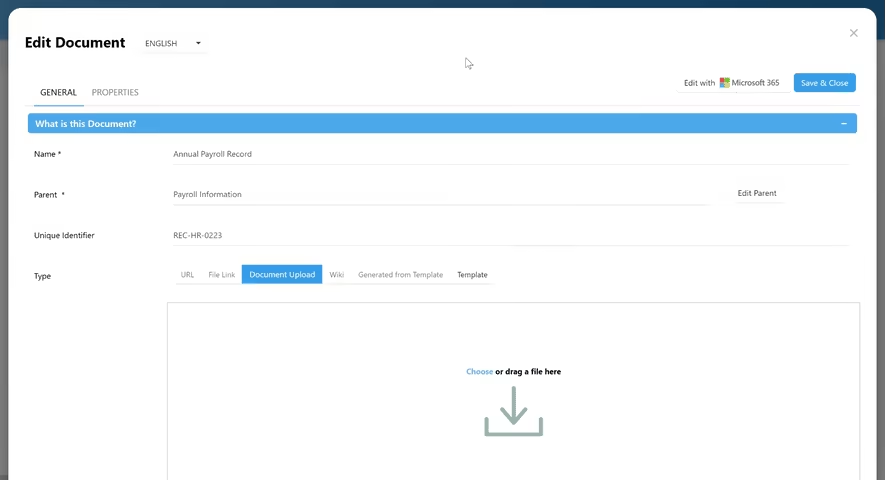
Managing multilingual documentation has never been easier. Now, you can automatically translate uploaded Word and PDF files directly within the document edit form, with no need for separate uploads. Create language-specific content in seconds and keep your global teams aligned.
Seamless Translation, No Extra Steps
Simply switch languages in the document edit form and let the platform handle the rest. With built-in translation, there is no need for manual effort or third-party tools, just a smooth, integrated workflow that keeps content consistent across languages.
Preview the translation before committing, make adjustments if needed, and ensure your documentation stays clear, accurate, and up to date for every audience.
Interactive PDF Table of Content
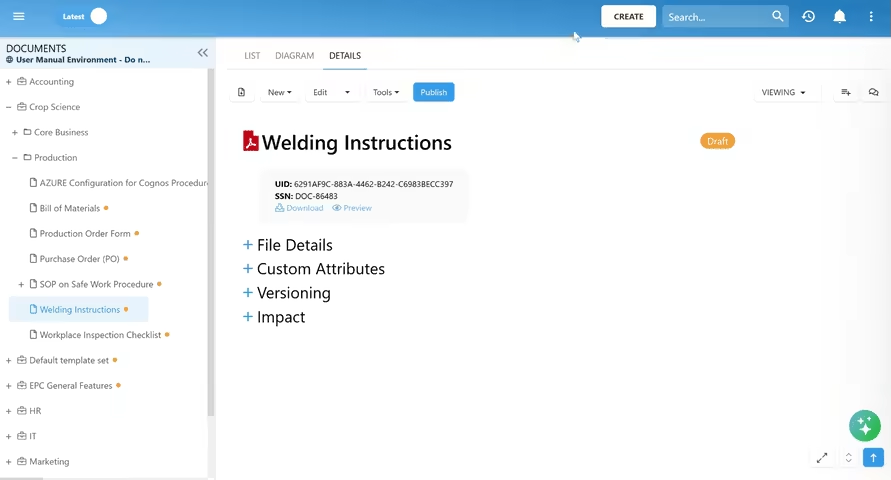
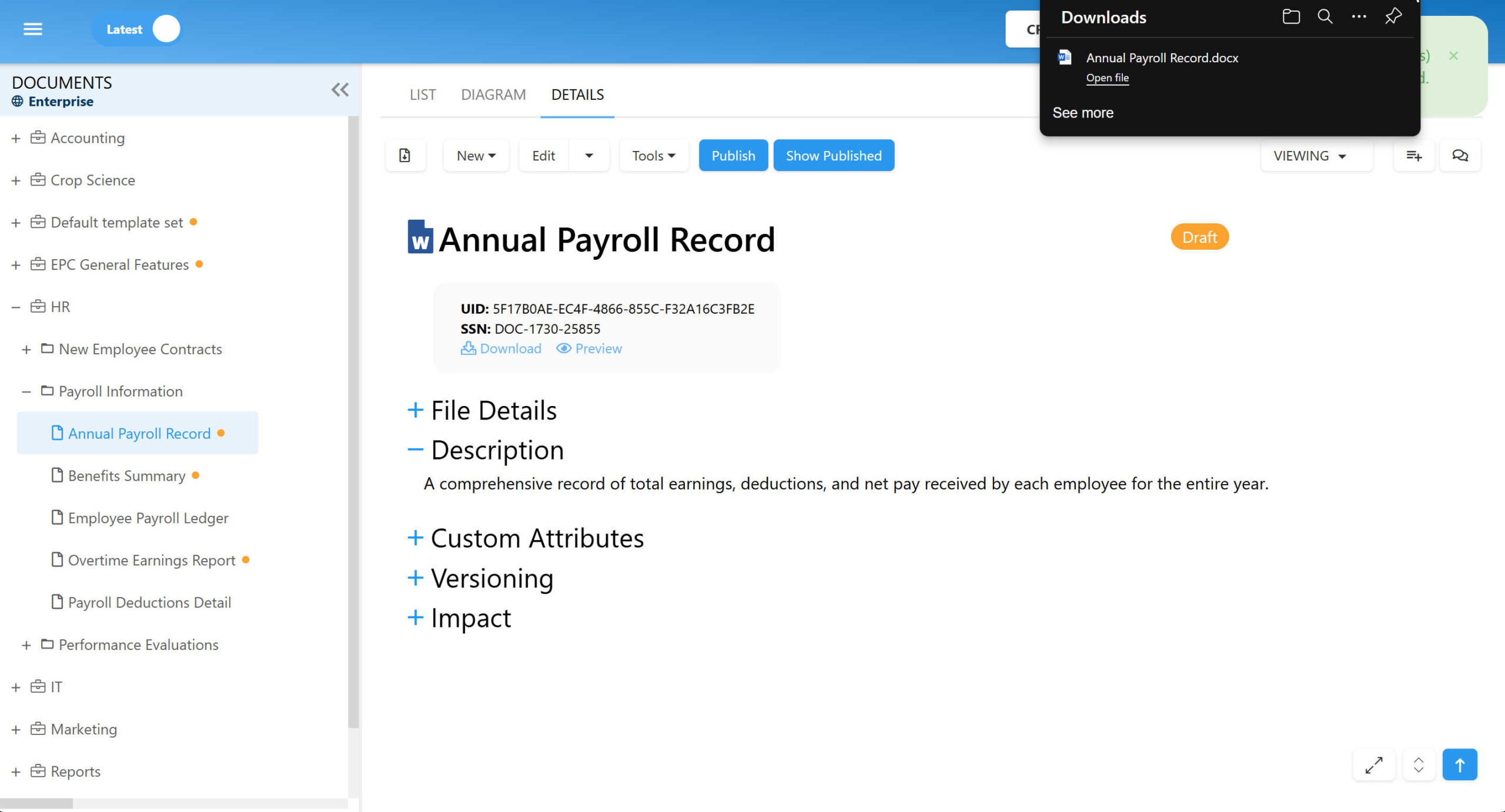
Say goodbye to endless scrolling. The new interactive table of contents makes navigating through your PDF files smoother and faster than ever. With just a click, jump directly to the section you need, streamlining your document review process and improving efficiency.
A Clearer Way to Explore Your Documents
The table of contents appears as a dynamic, tree-structured list right in the preview window. Major sections are clearly visible, and you can expand or collapse them to dive deeper into specific subsections. It’s a simple, intuitive way to explore even the most complex documents.
Effortlessly Automate with Custom Rules & Dynamic Workflows
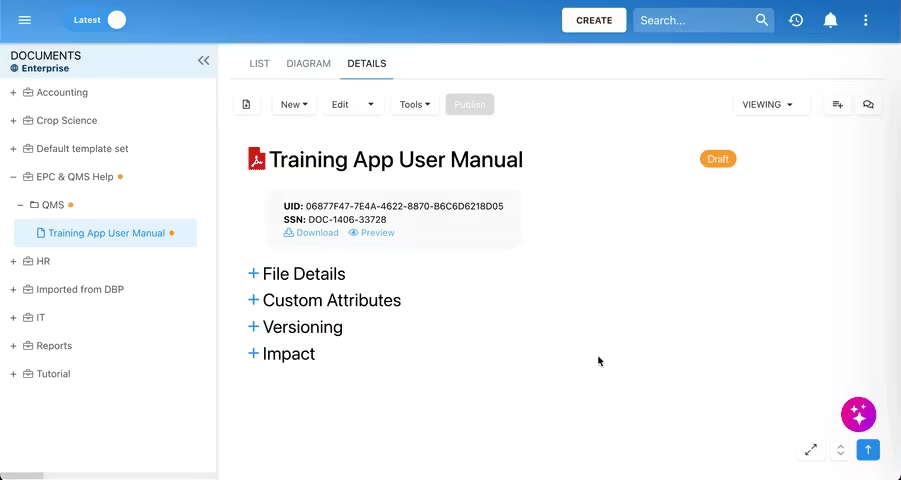
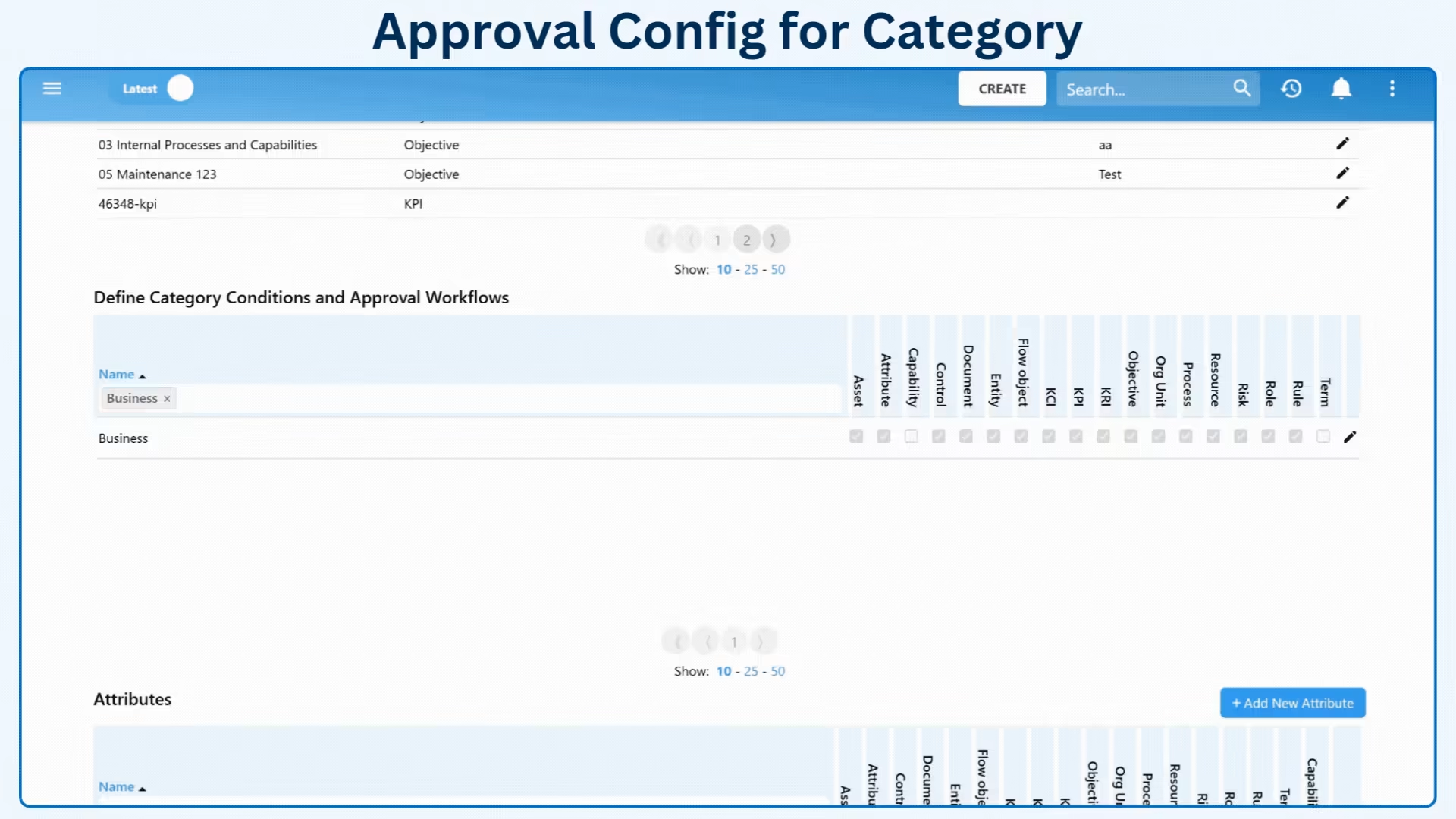
Organizations now have the power to automate and optimize their approval workflows with dynamic conditional rules. By defining customized rules for categories and approval processes, you can create more efficient, adaptable, and compliant workflows tailored to your needs.
Automated Approval Workflows
With dynamic approval cycles, you can automatically determine which roles and resources are needed for approval based on selected categories. This ensures the right approvers are always included in the workflow without the need for manual adjustments. Effortlessly automate your process and maintain compliance with organizational policies every time.
Control Attribute Visibility & Requirements
Take control of which attributes are mandatory, optional, or hidden based on category-specific rules. By defining the visibility and requirements of attributes, you ensure users only see and fill out the fields that are relevant to the category of object they’re working with. This streamlines data entry and eliminates unnecessary clutter, ensuring your workflow stays focused and efficient.
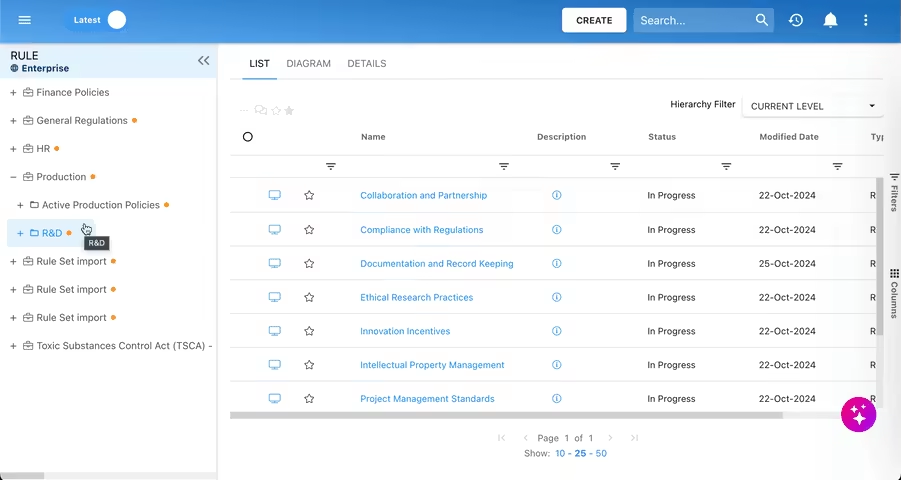
Mass Send for Approval & Endorsement: Designed for Efficiency
Send multiple items for approval or endorsement with just a few clicks using our new mass action feature. Simplify your workflows by handling several items at once, eliminating repetitive tasks, saving time, and reducing manual effort.
With the ability to configure and submit approval cycles directly within the same view, you’ll experience a seamless, optimized workflow with fewer steps and fewer clicks.
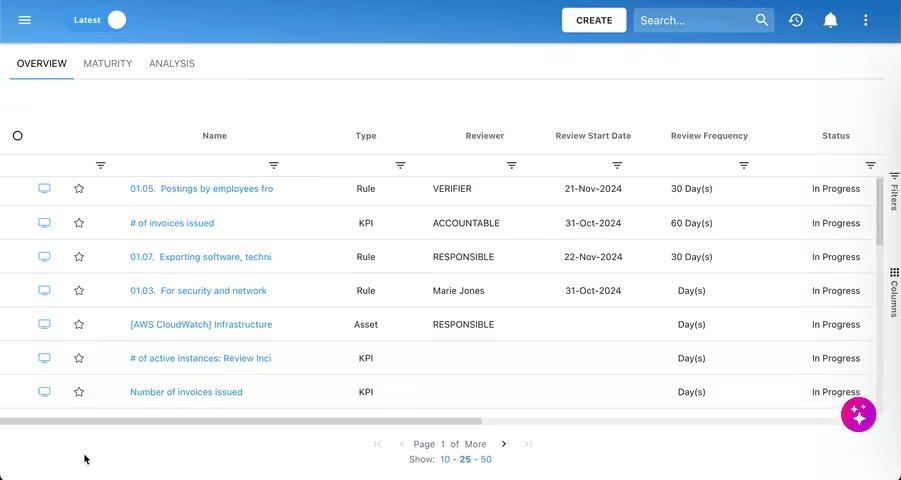
Optimized Review Management with Bulk Updates
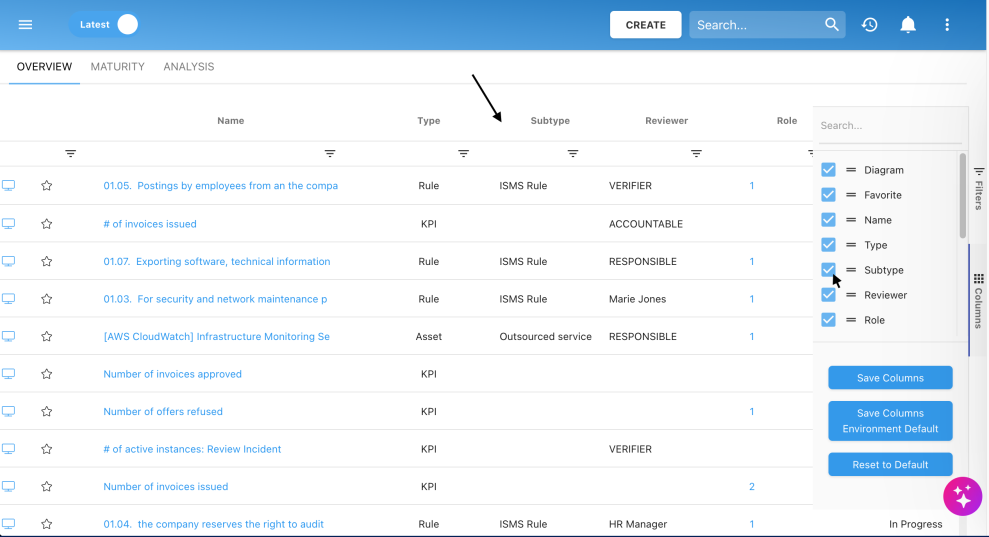
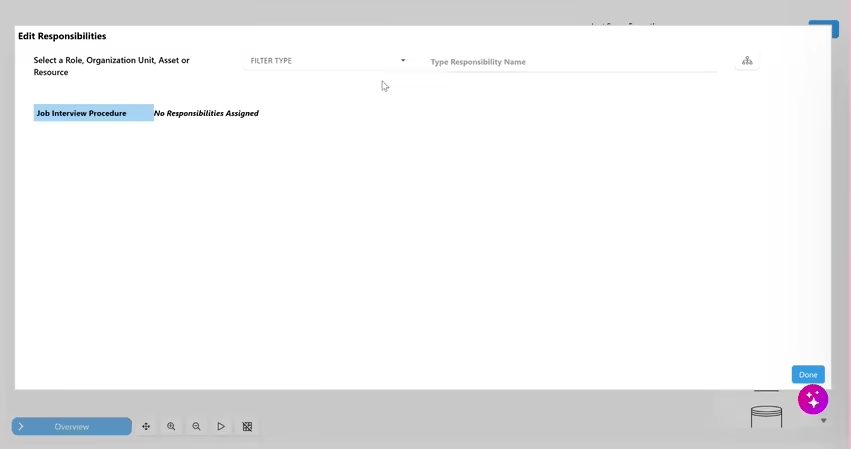
With our new bulk management feature, you can effortlessly update review dates, frequencies, and assign reviewers for multiple objects at once, saving you time and ensuring consistency across your workflows.
Whether you're handling a few items or a large volume, this enhancement helps you maintain productivity without the extra administrative overhead. It’s all about making your processes more efficient, organized, and easier to manage, while guaranteeing that your review cycles stay aligned and on schedule.




Latest Additions to Our Standard Reports Package
description placeholder

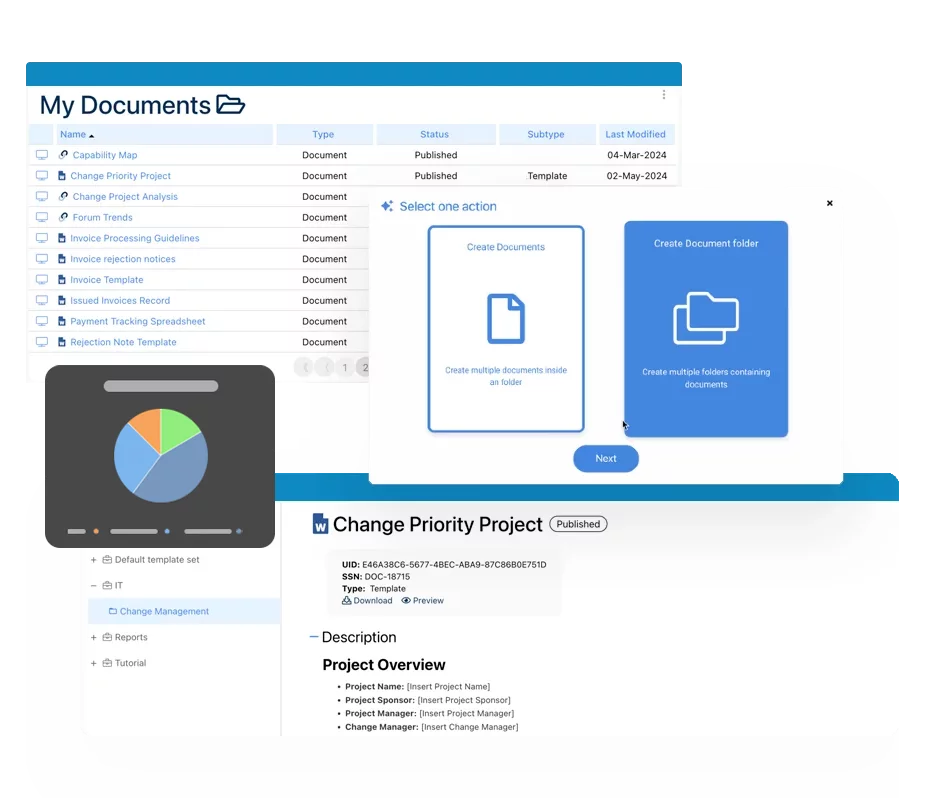
Documentation : Piloter la transformation, la gouvernance et le contrôle
• Obtenez des informations complètes et en temps réel sur vos opérations.
• Améliorez la gouvernance, l'efficacité et la conformité.
• Assurez une conformité fluide avec les normes réglementaires.

eQMS : Automatiser les workflows de qualité et de conformité & rapports
• Simplifiez la gestion de la qualité avec des workflows automatisés et une traçabilité continue.
• Standardisez la gestion des CAPA, des audits fournisseurs, de la formation et des workflows associés.
• Transformez la documentation en informations exploitables pour la Qualité 4.0.

Développement rapide d'applications low-code : Accélérer la transformation numérique
• Créez rapidement des applications personnalisées et évolutives.
• Réduisez le temps et les coûts de développement.
• Adaptez-vous rapidement pour répondre aux besoins évolutifs des clients et de votre entreprise.
L’IA pour transformer votre entreprise !
Conçus pour optimiser les opérations, l'efficacité et renforcer la conformité. Découvrez nos solutions alimentés par l’IA :
• Répondre aux questions des employés.
• Transformer des vidéos en processus.
• Recommander des améliorations de processus et des impacts réglementaires.
• Générer des formulaire, processus, risques, réglementations, KPIs, et bien plus.
• Fragmenter les normes réglementaires