Process Management
Map, govern, analyze and improve the way work gets done.




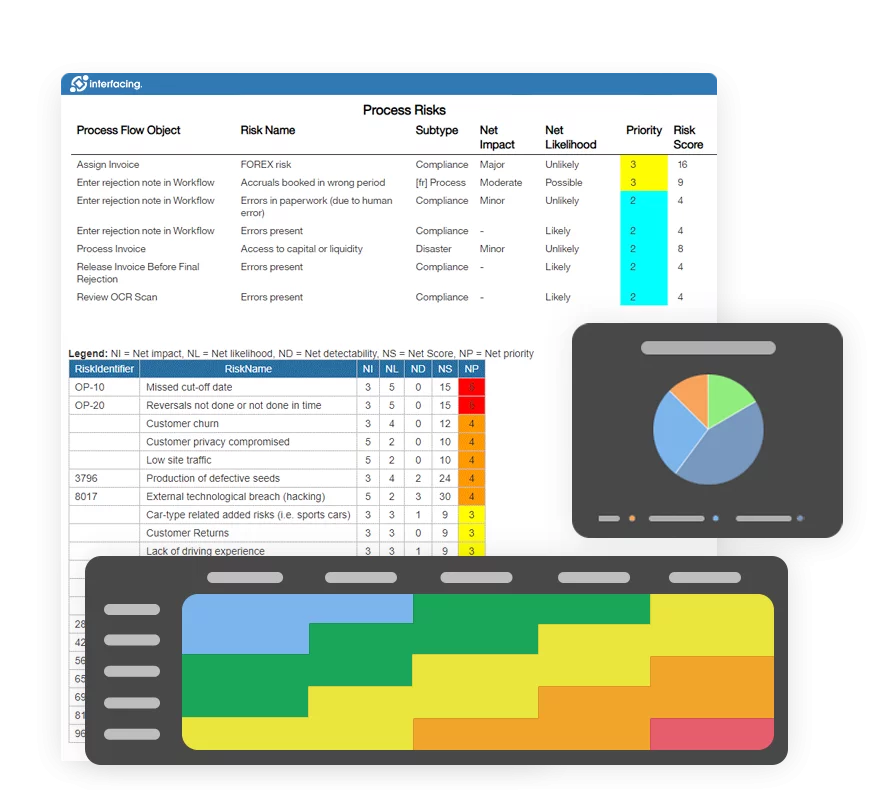




Connect the way your organization works, from processes and documentation to quality, risk, compliance and continuous improvement, in one intelligent management system.
Watch the IMS overview · Open on Vimeo ↗
Book Your Upgrade in Support Portal Starting November 9
Our Integrated Management System (IMS) brings knowledge, operational workflows and insights into a connected environment. Its capabilities expand in phases, so you can see what each release brings to your teams.
Map, govern, analyze and improve the way work gets done.
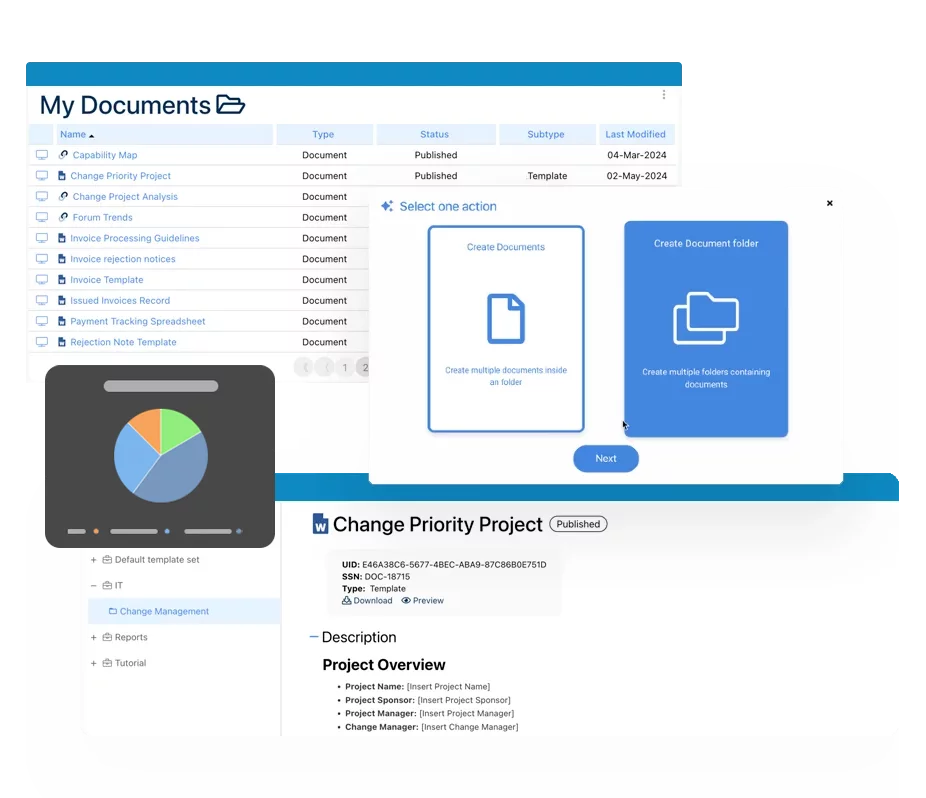
Manage controlled content, versions, reviews and approvals.
Connect CAPA, audits, incidents, training and quality events.
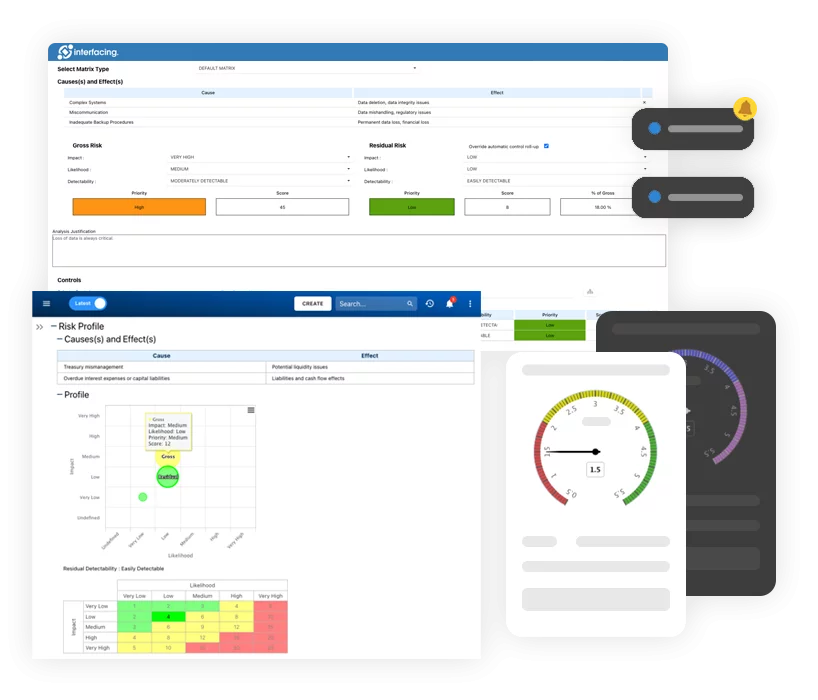
Identify, assess and mitigate risks across your organization.
Analyze event logs to uncover bottlenecks and process variations.
Design and execute custom business workflows and tasks in one workplace.
Connect capabilities, structures and strategy to execution.
Plan, execute and track audits across all areas, ensuring compliance, traceability and continuous improvement.
Automate tasks, accelerate insights and help you work smarter across your entire integrated management system, including process, documents, quality, risk, audit and more.
Follow the phased rollout from the everyday workspace to expanded creation and governance, then end-to-end automation. Select a release to review its detailed capabilities.
Modernize everyday work with one intuitive destination for organizational knowledge, tasks and insights.
Bring content creation, process design, lifecycle governance and more intelligent improvement into the new experience.
Close the remaining gaps with a new end-to-end integrated automation designer, scalable governance and a fully unified IMS interface.
16.0 is available now; 16.1 is labeled beta and 16.2 is targeted for Q1 2027. Future scope and timing may change. Read the full release notes ↗
Select a feature to explore the IMS experience. Check the milestones for release-specific availability.
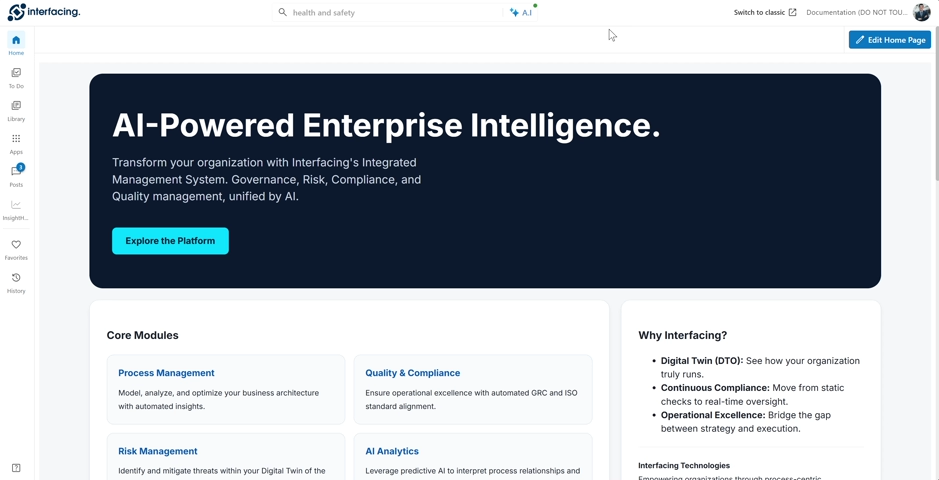
A personalized home page surfaces the information, activity and shortcuts that matter most to each user.
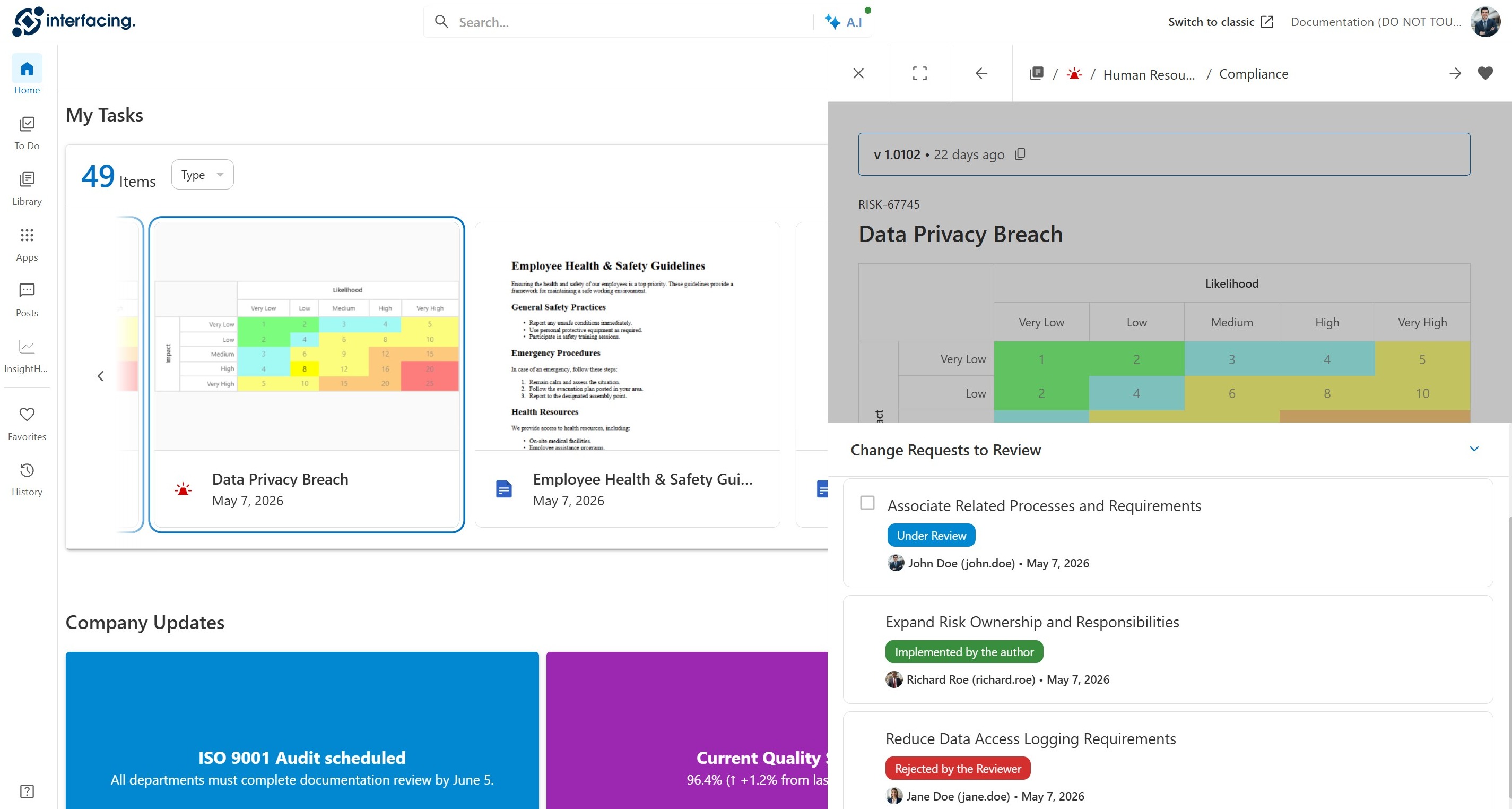
Select the image to open a larger view.
Manage reviews, approvals and assigned actions through a centralized To Do experience.
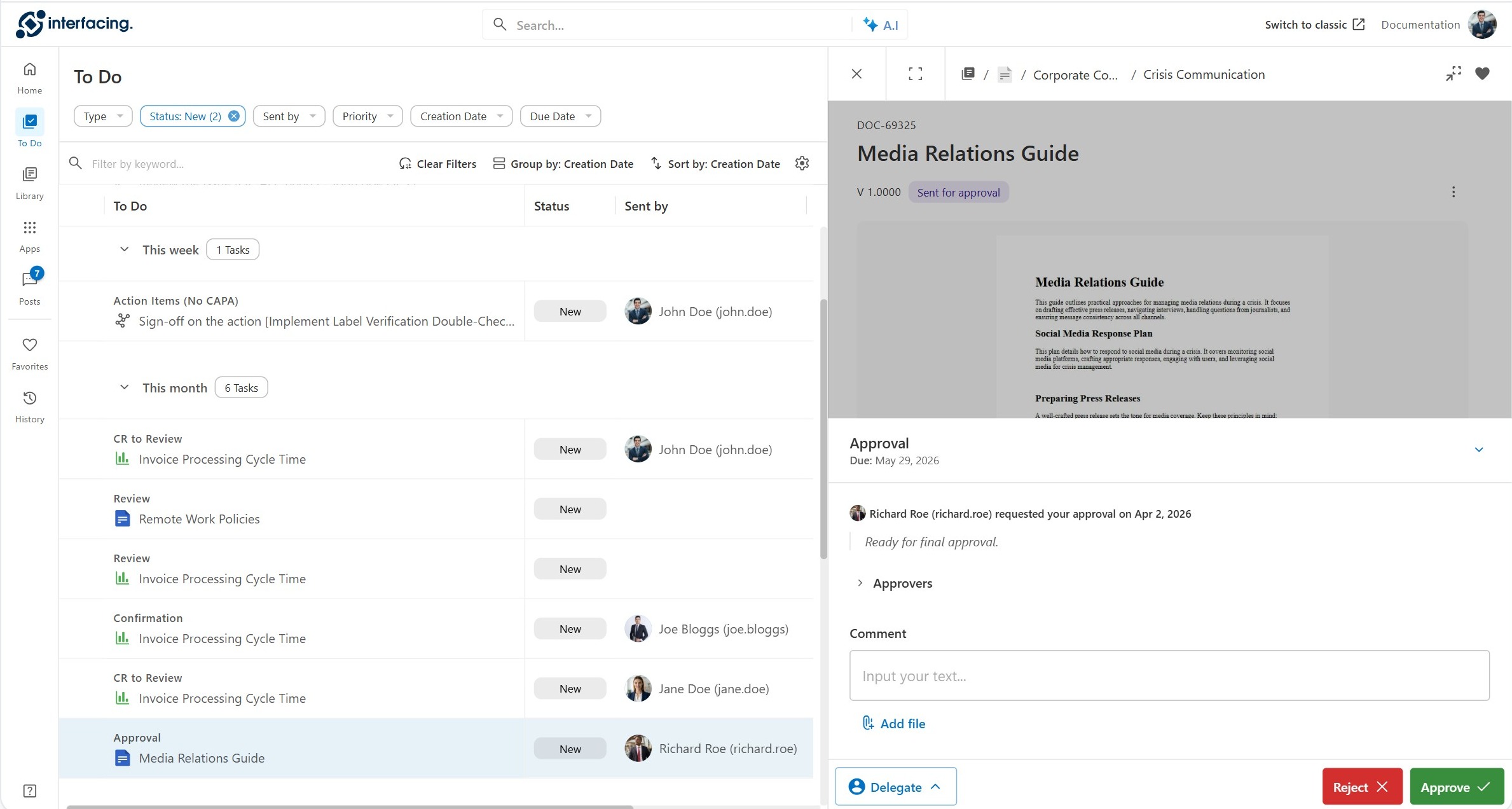
Select the image to open a larger view.
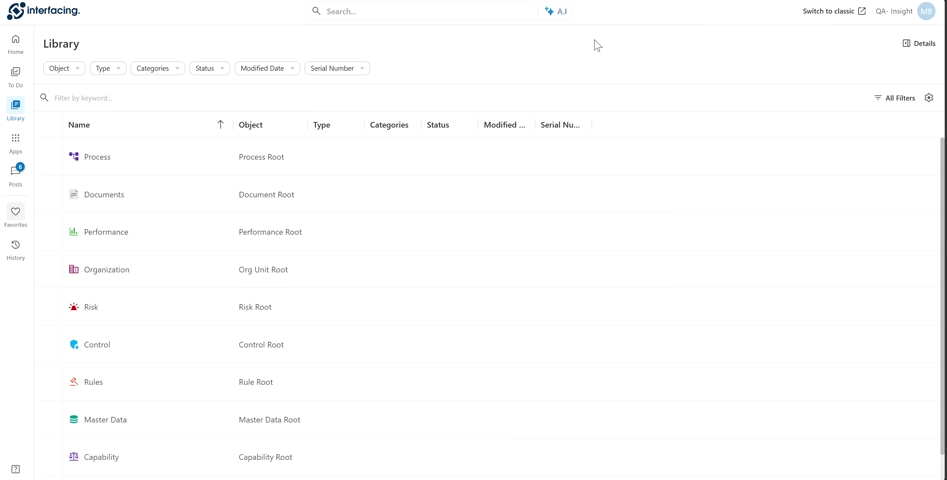
Search and filter governed content, then inspect details in a side panel while keeping your place.
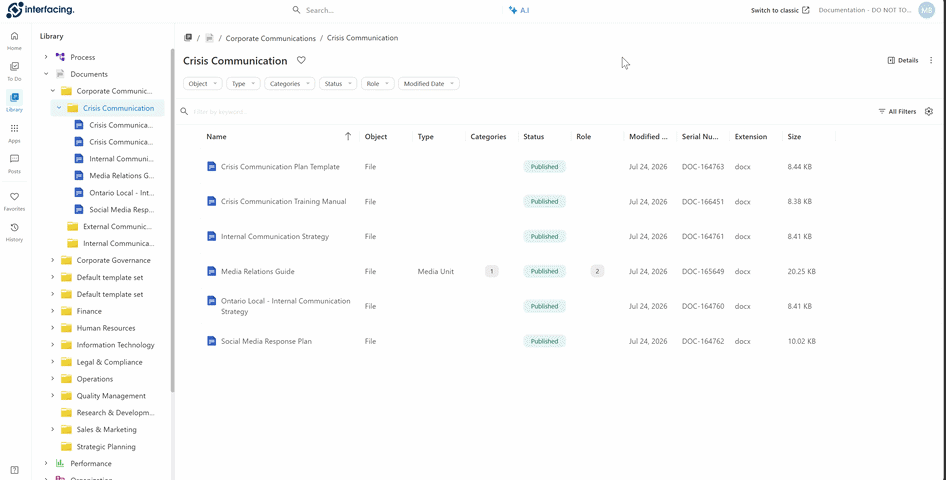
Select the image to open a larger view.
Keep discussions and updates close to the processes and knowledge they relate to.
Select the image to open a larger view.
Access integrated applications for quality, compliance and continuous improvement from a unified environment.
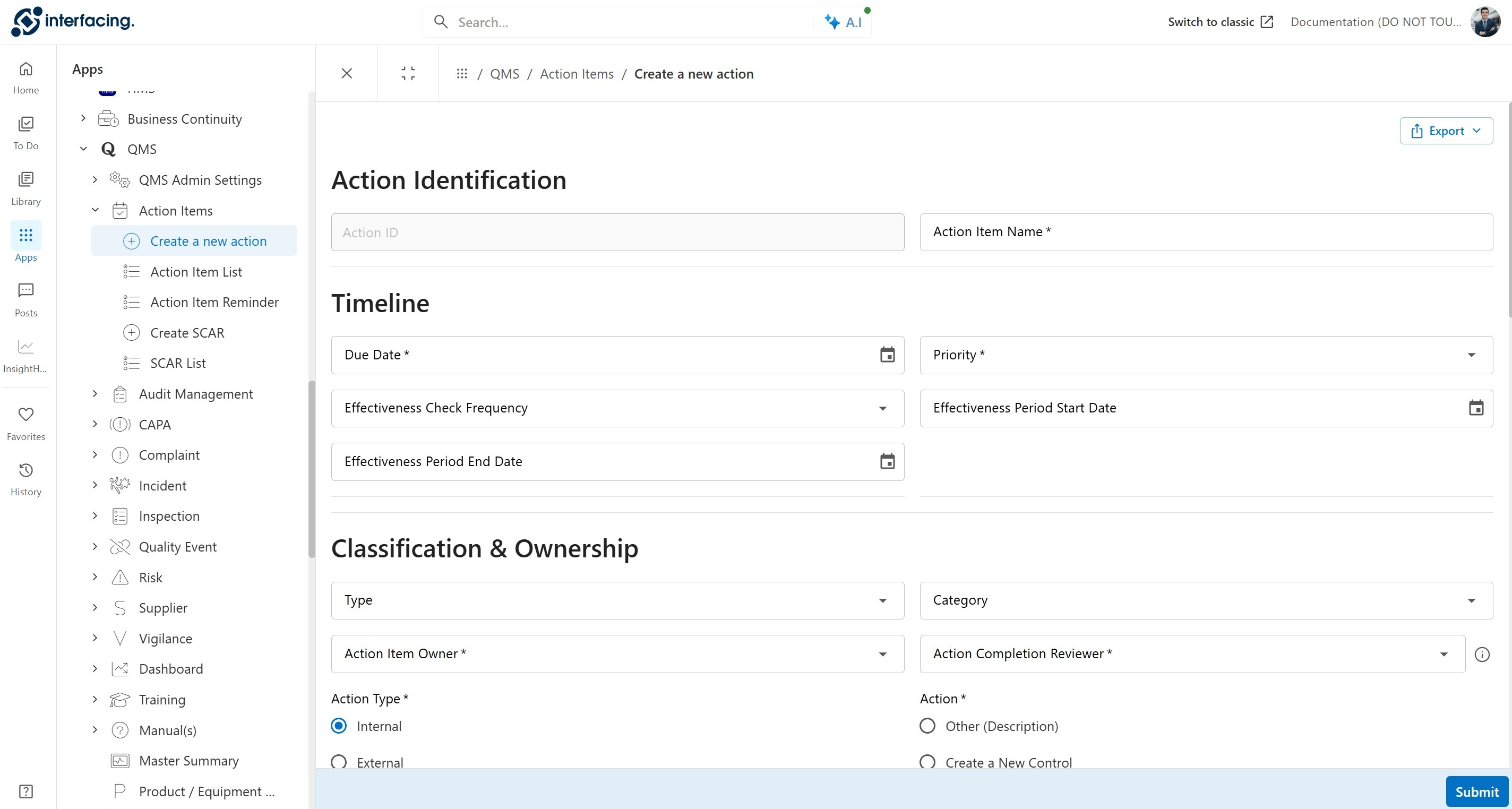
Select the image to open a larger view.
Navigate interactive process diagrams, subprocesses and related knowledge with greater clarity.
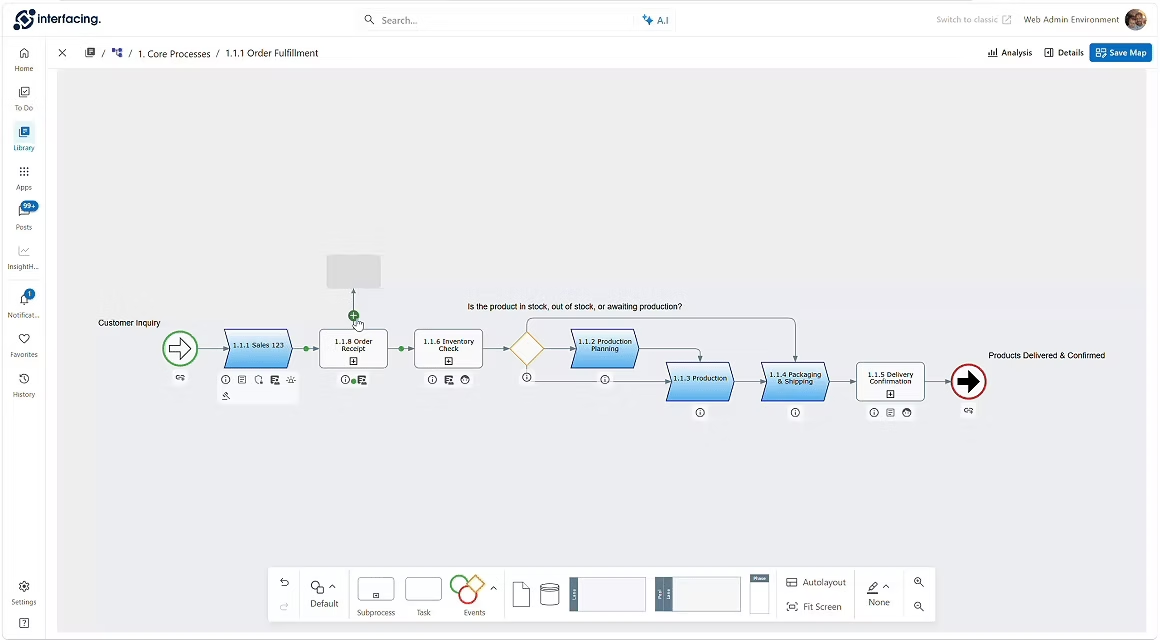
Select the image to open a larger view.
Return quickly to the documents, processes and applications you use most often.
Select the image to open a larger view.
Find and summarize controlled content, understand changes and navigate directly to source material, with human review for consequential decisions.
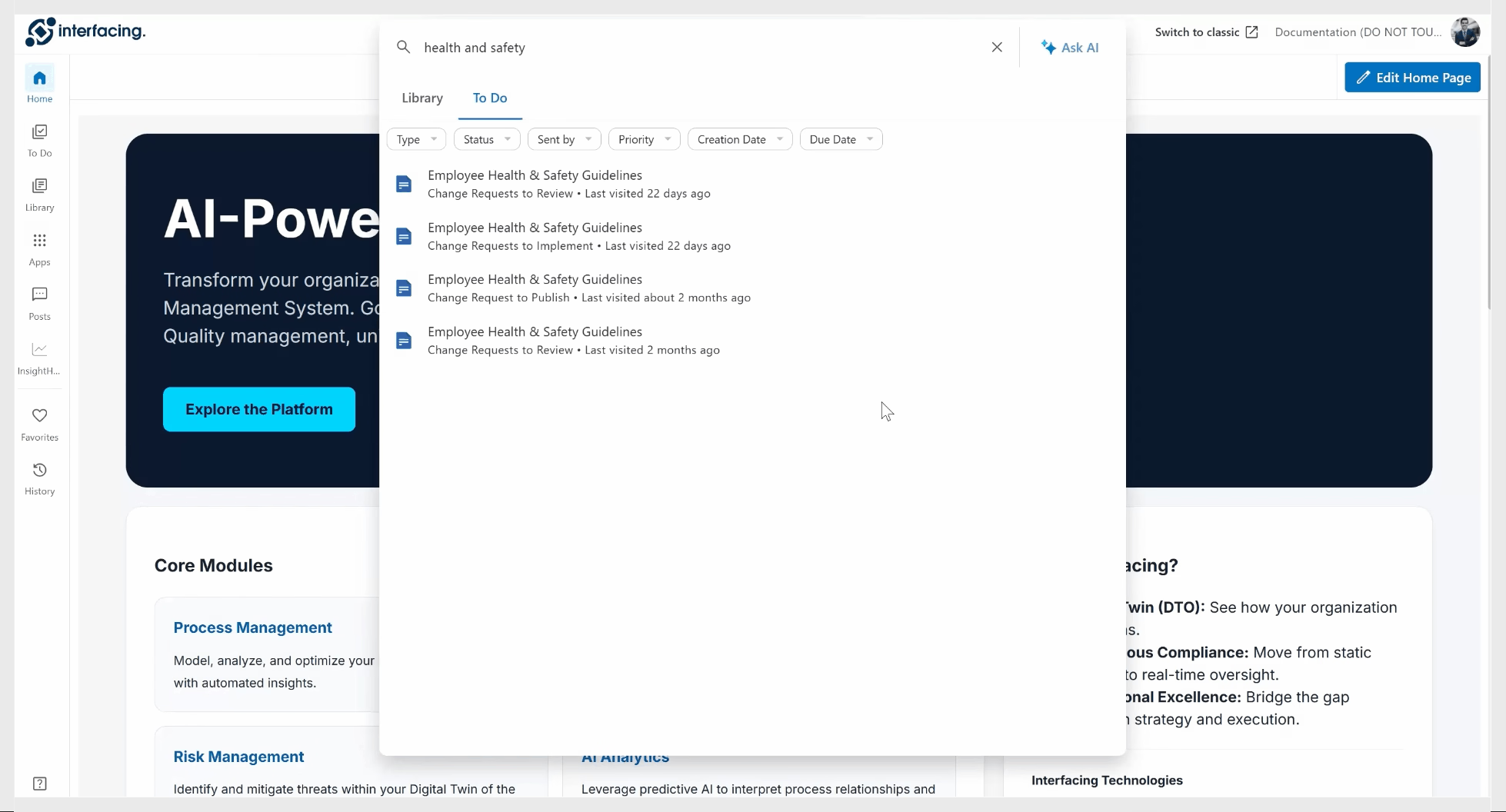
Select the image to open a larger view.
Combine modeled processes with process mining insights to understand execution, spot delays and focus improvement efforts.
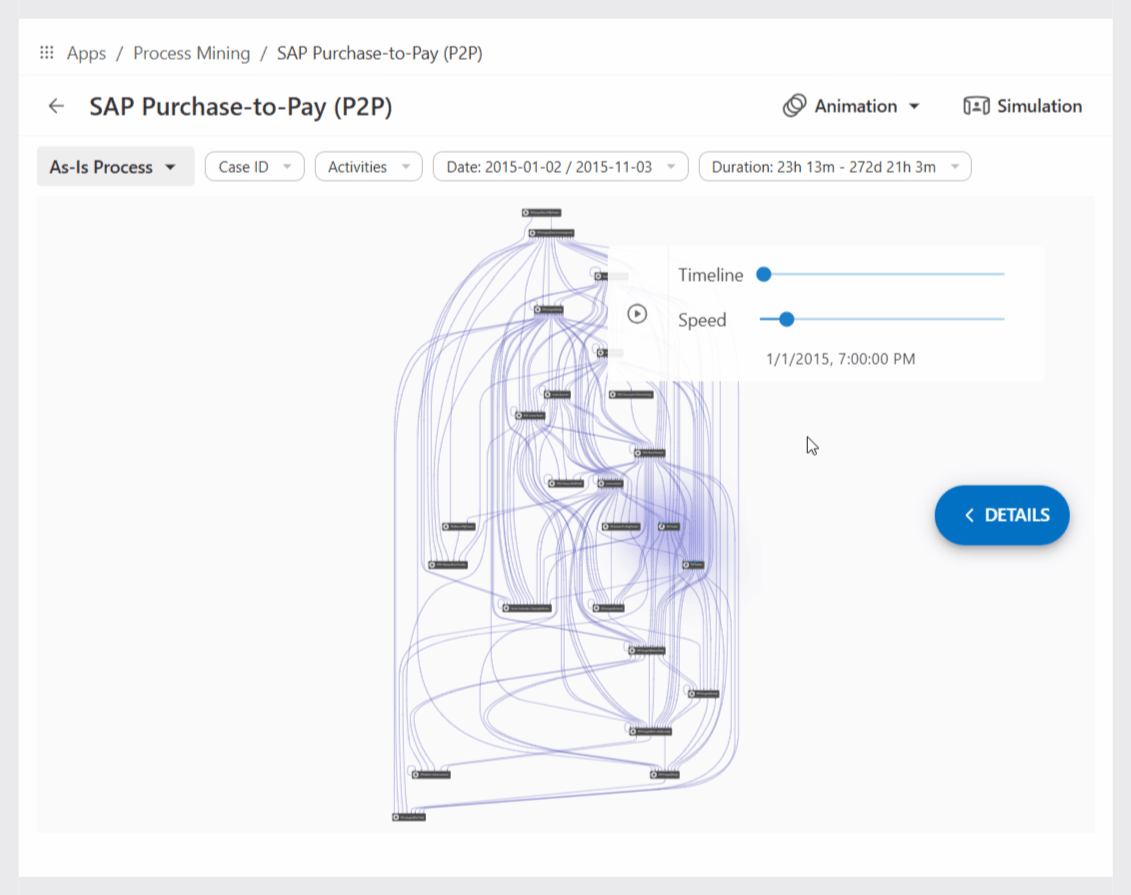
Select the image to open a larger view.
Click through the new IMS Home page to explore its layout, navigation and everyday workspace.
A closer look at the platform capabilities behind the release journey.
Modernize everyday work with one intuitive destination for knowledge, tasks and insights.
Bring content creation, process design and lifecycle governance into the new experience.
Unify end-to-end automation, governance and the remaining classic functionality.
Explore our new AI-enabled Help Files, designed to make it easier to search, retrieve and apply the guidance you need, right when you need it.
Ask questions in natural language and discover relevant guidance without navigating endless documentation.
Follow practical, guided walkthroughs to understand how to complete common tasks and workflows.
Explore help by user profile and use case, so administrators, modelers and everyday users can focus on what matters to them.
Conceptual illustration of the help experience; not a product screenshot.
Your familiar capabilities are coming together in one connected experience. Explore our dedicated transition guide to understand the major changes, find where to work today and confidently navigate the move to IMS.
Review key changes to navigation, Library, To Do, Posts, Search, AI Assistant and integrated QMS apps.
See which activities are available in IMS 16.0 and when to switch to classic EPC for editing, lifecycle setup or administration.
Learn how existing accounts and supported content remain accessible as capabilities move into IMS across releases.